
Marketplace feature · Brands
QuickBooks Online
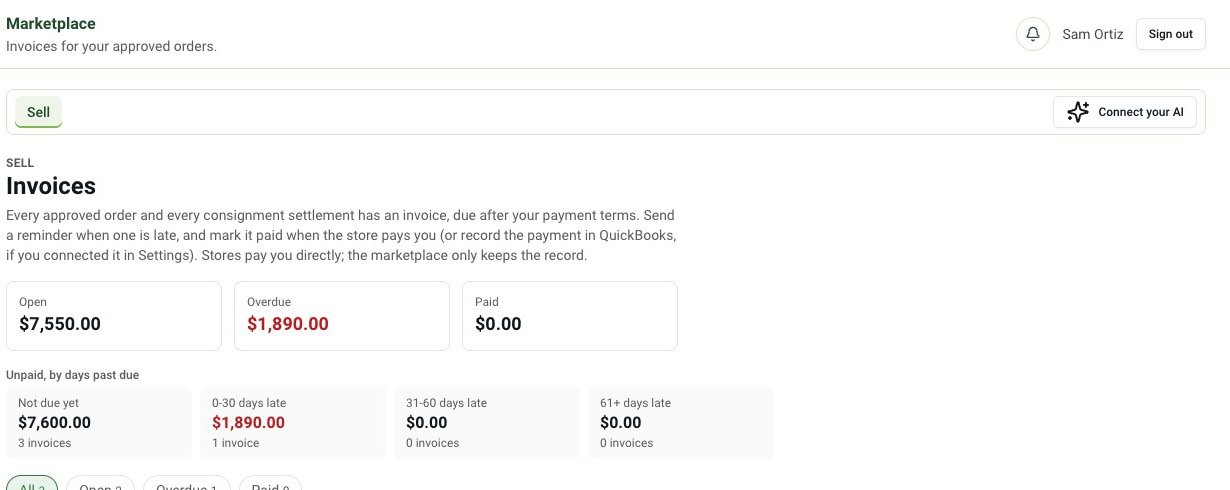
Keep your books where they are. Invoices, payments and credits from the marketplace land in your QuickBooks.
How it works
Connect your company
Sign in to QuickBooks Online from your brand settings.
Invoices sync out
Each approved order creates its invoice in QuickBooks.
Payments sync back
Payments and credits recorded in either place show up in both.
Why it matters
Re-entering every wholesale invoice into accounting software is slow and it's where totals stop matching. Month-end then turns into a hunt for the difference.
With the sync on, each approved order becomes a QuickBooks invoice, and a payment recorded in either place shows in both.
Questions
Do I need my own QuickBooks account?
Yes. You connect your own QuickBooks Online company; YGP never shares one between brands.
Which records sync?
Invoices, payments and credits for your marketplace orders.
Can I disconnect later?
Yes. Disconnecting stops new syncs; nothing already in QuickBooks is deleted.